
Controllers · PC Guide
Using the DualSense on PC and Other Devices
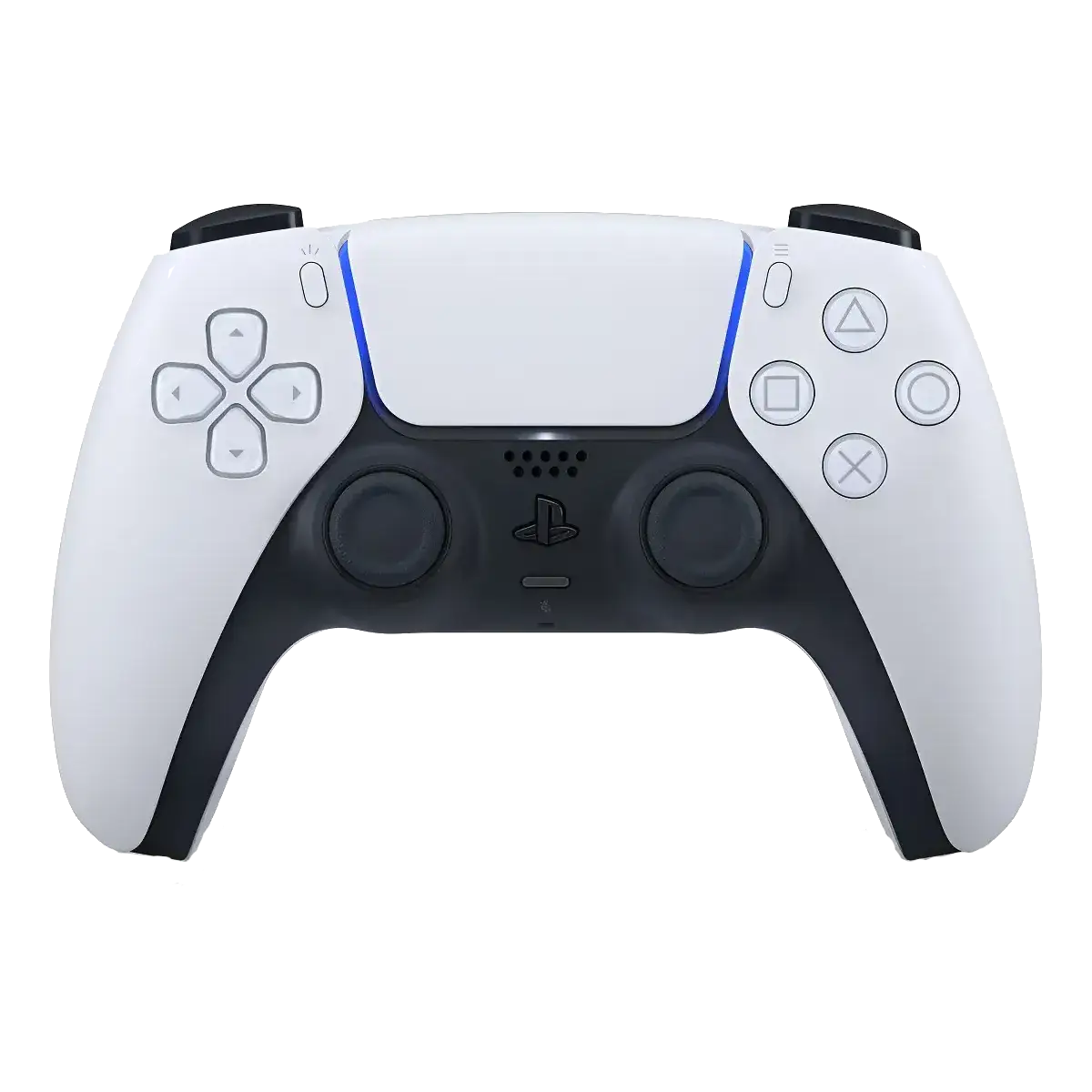
Your DualSense doesn't have to live and die with the PS5. It pairs with PCs, Macs, phones and tablets, and on Steam it works brilliantly. What you lose outside the PlayStation depends on connection type and game support. This guide covers pairing, best settings and the hard limits (yes, including Xbox).
Key Takeaways
- PC via Steam: excellent: full button support, touchpad as mouse, and haptics/triggers in supported wired titles.
- USB-C beats Bluetooth on PC: adaptive triggers and advanced haptics mostly need the cable; wireless gives you basic rumble.
- Phones, tablets and Mac: easy pairing: hold Create + PS button until the light bar pulses, then pair over Bluetooth.
- PS4: limited guest role: works as a basic pad with restrictions; not a DualShock 4 replacement.
- Xbox: no native support: don't buy a DualSense for Xbox Series X/S.
Pairing: Bluetooth and USB-C
Bluetooth: hold the Create button + PS button for 3 seconds until the light bar pulses, then select "DualSense Wireless Controller" in your device's Bluetooth menu. USB-C: just plug in. Windows, Steam and most games detect it instantly, and this is the connection that unlocks the full feature set. If a PC game ignores the pad, enable "PlayStation Controller Support" in Steam → Settings → Controller.
What Works Where
PC (Steam): the sweet spot, button prompts, touchpad, gyro and per-game haptics in titles that implement them (wired). PC (non-Steam): basic XInput-style support; community tools add remapping. Mac/iOS/Android: standard Bluetooth gamepad behavior, great for Apple Arcade, emulators and mobile shooters. PS4: pairs with limited functionality, fine as a spare for a friend, not as your main pad.
Settings Worth Changing
On PS5, trim trigger effect intensity and haptic strength to stretch battery from ~6 toward ~12 hours. On Steam, enable PlayStation button prompts so games show the right icons, and calibrate the touchpad deadzone if the cursor drifts. Turn off the microphone mute shortcut behavior if you keep unmuting yourself mid-match, we've all been there.
Pros and Cons (Off-PS5 Use)
Pros
- Superb Steam support with touchpad + gyro
- USB-C unlocks haptics and triggers on PC
- Easy Bluetooth pairing everywhere
- One pad for PS5, PC and mobile
Cons
- Full features need the cable on PC
- No native Xbox support at all
- Limited role on PS4
Frequently Asked Questions
Do adaptive triggers work on PC?
In supported games over USB-C, yes. Steam passes trigger effects through. Over Bluetooth, expect basic rumble only in most titles.
Can I use it on Xbox Series X/S?
No, not natively. The Xbox doesn't recognize PlayStation controllers. Third-party adapters exist but add lag and cost; an Xbox pad is the sane choice there.
How do I update the firmware without a PS5?
Sony's PC firmware updater app handles DualSense updates over USB. Keep it current, updates fix drift-era quirks and improve PC behavior.
Why does Steam show Xbox buttons?
That game lacks PlayStation prompt support. Enable Steam Input's PlayStation configuration support and check per-game settings; many ports now include proper DualSense icons.
Check Today's Price
Live pricing from trusted sellers on Mercado Livre. Brand-new, boxed, with standard warranty.
Check today's priceAs an affiliate, we may earn a commission when you buy through our links. At no extra cost to you. It never changes our opinion.